

Online course for kids aged 10–12
Roblox Game-Dev Journey
Format
online, 1 lesson per week
Duration
75 minutes
Level
from zero to confident game developer
The Magic of World-Building
You press a key — and the ground appears under your feet, the lights turn on, and characters come alive.
That’s not magic. That’s Roblox Studio.
At Skillsford, kids learn to control this magic: creating their own 3D worlds, programming movement and interactions, writing game scripts, and turning ideas into real games.
Step by step, they go from their first blocks and scripts to a full release of their own game — one they can even monetize.
Course Program
Module 1. The First Spell of the Creator
Introduction to Roblox Studio: interface, navigation, safety
Creating the first location: landscape, objects, lighting
Basics of 3D modeling
Saving and managing a project
Module 2. The Code of Magic: Lua Language
Scripts, variables, loops, and events
Programming movement and interactions
Creating effects and simple mechanics
Module 3. The Alchemy of Game Design
Game idea and storyline
Missions, rules, obstacles
How to make a game fun and balanced
Teamwork and idea presentation
Module 4. Opening the Great Portal
Completing and optimizing the game
Testing, publishing on Roblox, inviting friends
Presentation at Skillsford Showcase I
Module 5. Advanced Lua Programming
Functions, tables, and modules
Achievement and save systems
Event handling, optimization, and code structure
Module 6. Interface & Visual Effects
Creating UI: menus, panels, buttons
Displaying points, lives, timers
Animations, particles, sound, and lighting
Module 7. Multiplayer & Team Development
Basics of Roblox networking
Working with server and client
Creating cooperative and competitive mechanics
Result: a multiplayer game to play with friends
Module 8. Final Project & Skillsford Showcase II
Debugging, testing, polishing
Preparing for release and presentation
Skillsford Showcase II — presentation of top projects and awards
After the course, your child will:
Understand both basic and advanced Lua concepts
Create full 3D games in Roblox Studio
Work with UI, effects, sound, and multiplayer
Know how to plan, test, and publish their project
Receive two certificates — Skillsford Creator I & Creator II
Build a portfolio and gain confidence in their abilities
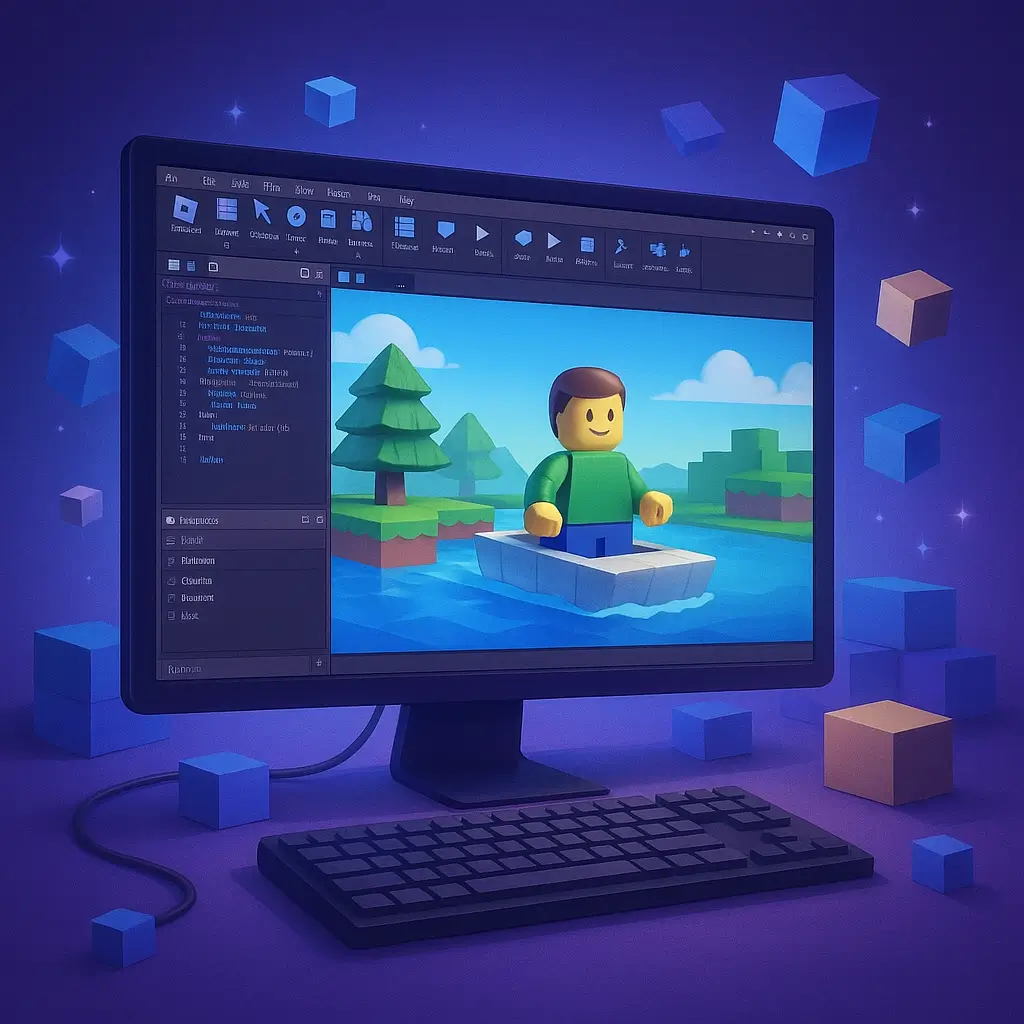
Course Instructors

Oleksii Nazaruk
“A game is a way to teach a child to think — not just to play.”
I remember creating my first games — and now I give children that same magical feeling.
We learn not just to code, but to invent rules, stories, and entire worlds.
Children discover that programming is creativity, not dry commands.

Yuliia Chernenko
“The best moment is when a child sees that their idea works.”
I show children that every game begins with an idea — and they can bring it to life.
We learn to code, work in teams, and see real results.
The most important outcome is confidence: “I made this myself.”